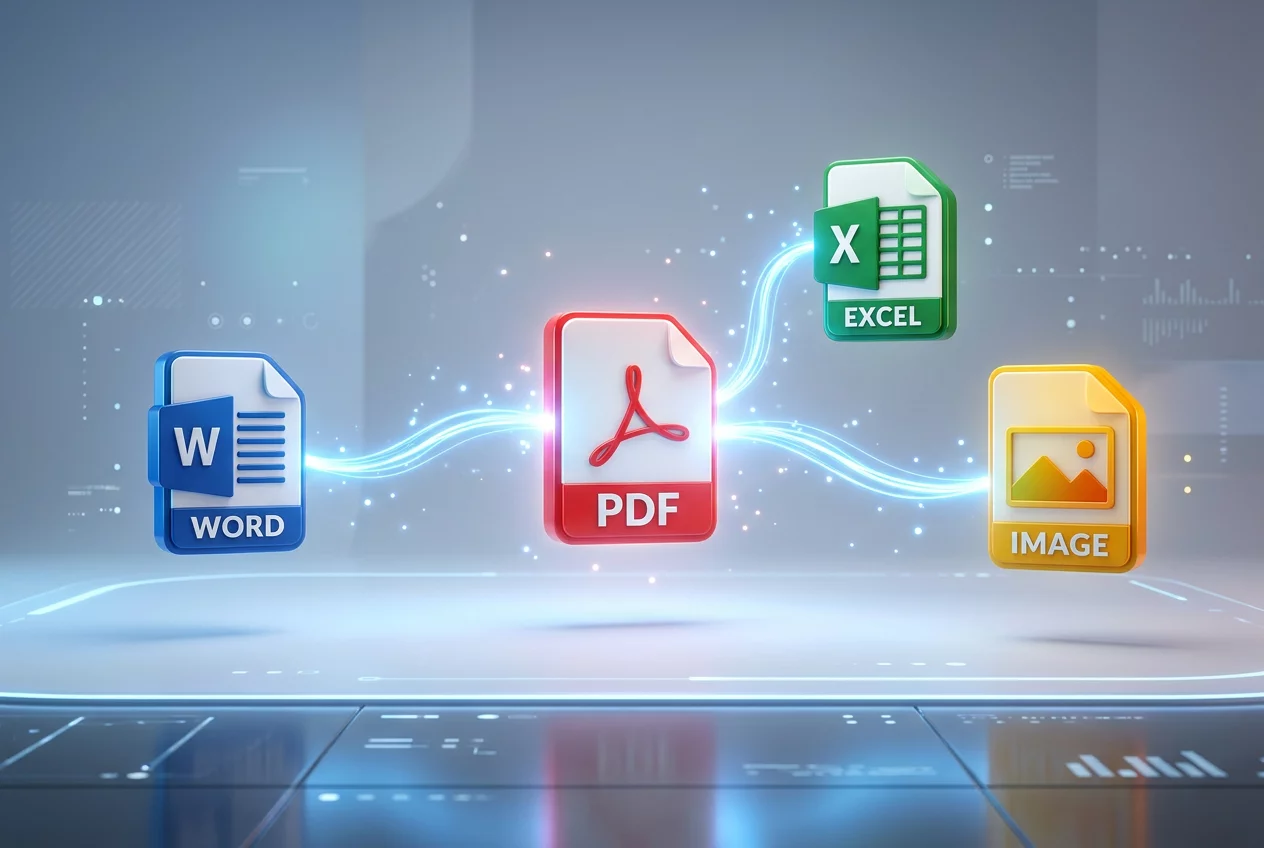
Instant Multi-Format PDF Conversion'
Seamless Transitions Between File Formats
Compatibility issues often disrupt the flow of a professional workday. A document created in one application might be needed in another for editing or presentation purposes. The Instant Multi-Format PDF Conversion tool addresses this friction by providing a robust gateway between diverse file types. Turnexedic enables the rapid transformation of PDF files into Microsoft Word, Excel, and PowerPoint documents without compromising the integrity of the original layout. High-fidelity conversion remains the priority. The engine meticulously maps every graphical element and text block to its equivalent in the target format. Images stay sharp, fonts remain consistent, and tables keep their grid structures. This precision allows users to move from a static viewing experience to an active editing environment in seconds.
Expanding the Scope of Digital Documents
The versatility of the conversion engine extends beyond standard office formats. Visual professionals frequently require PDF pages to be exported as high-resolution images like JPG or PNG. The software facilitates this by offering customizable DPI settings, ensuring that the resulting image meets the quality standards for print or web use. Conversely, the creation of PDFs from hundreds of other file formats is equally streamlined. Engineers, designers, and accountants find this tool indispensable for creating standardized reports from specialized software outputs. The conversion logic handles large datasets and complex vector graphics with ease, preventing the common errors of text overlapping or missing assets. Every converted file is a testament to the software's ability to interpret diverse digital languages and unify them within the PDF standard.
Operating the Conversion Module
- Drag and drop the source files directly into the conversion workspace.
- Choose the desired target format from the extensive drop-down list.
- Adjust quality settings if specific compression or resolution is required.
- Run the conversion engine and monitor the progress bar.
- Download the converted files individually or as a compressed archive.
Performance and Reliability Standards
Speed is a defining characteristic of the Turnexedic conversion suite. Even massive documents with hundreds of pages are processed in a fraction of the time required by traditional online converters. This efficiency stems from a multi-threaded processing architecture that utilizes the full power of the host system. Reliability is equally important. The software includes an automated error-checking routine that verifies the integrity of the output file immediately after creation. Users never have to worry about corrupted files or lost data. The interface is designed for clarity, removing the confusion of complex settings and hidden menus. By focusing on a user-centric design, the platform ensures that even those with minimal technical expertise can achieve professional results. The conversion tool is not just a utility; it is a vital component of a modern, agile document strategy that values time and precision above all else.