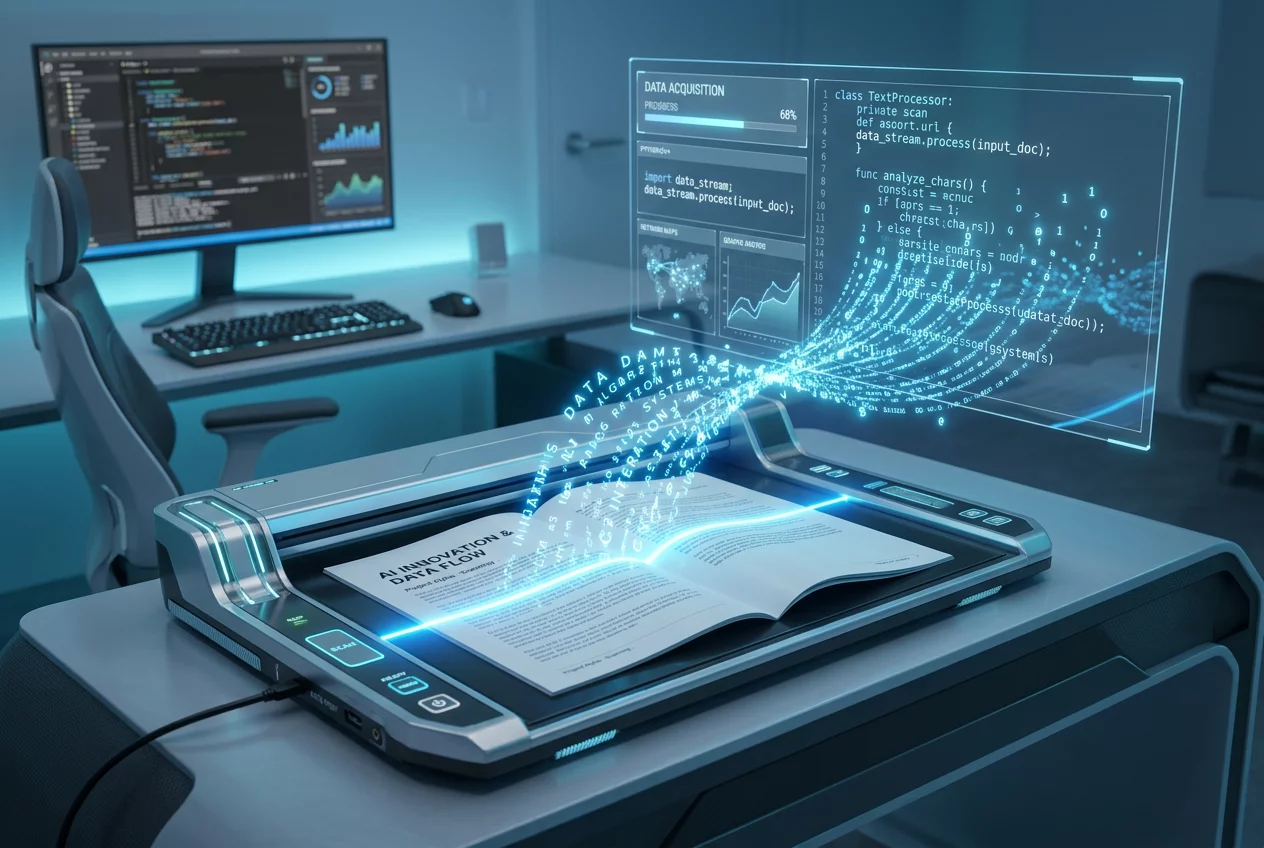
Advanced OCR Text Recognition Engine'
The Power of Digital Transformation with OCR
The bridge between physical archives and the digital workspace has long been a challenge for modern enterprises. Static images and scanned documents often represent data silos that are impossible to search or edit. Within the Turnexedic ecosystem, the Advanced OCR Text Recognition Engine serves as the primary tool for breaking these barriers. This sophisticated engine utilizes neural network layers to analyze the visual patterns of characters, translating them into machine-readable text with remarkable precision. The software effectively eliminates the need for manual data entry, which traditionally consumes hours of valuable employee time. By processing thousands of pages per hour, the system ensures that every scanned invoice, contract, or historical record becomes a fully functional digital asset. Every character and every punctuation mark is scrutinized by the recognition logic, ensuring that the resulting document retains the exact textual content of the original.
Technical Sophistication and Language Support
Accuracy remains the most critical metric for any text recognition system. The Turnexedic engine incorporates a multi-stage refinement process that cleans the original image before the recognition phase begins. This pre-processing stage removes digital noise, straightens crooked scans, and balances the contrast of faded text. High-quality output depends on these initial steps. Furthermore, the engine supports a diverse array of languages, including complex scripts and technical terminologies. Professional users in legal or medical fields rely on this feature to handle specialized jargon that standard readers might misinterpret. The software identifies the language automatically, or users can specify multiple languages within a single document. This flexibility makes the platform a global solution for international businesses handling multilingual correspondence.
Implementation Steps for Users
- Upload the scanned PDF or image file into the main dashboard.
- Select the OCR tool from the primary feature menu on the left.
- Specify the output format, such as a searchable PDF or a plain text file.
- Initiate the recognition process by clicking the start button.
- Review the generated text in the side-by-side comparison window.
- Save the final document to a preferred cloud storage or local folder.
Optimizing Your Document Workflow
Integration of OCR into daily tasks changes how teams manage information. Searchability is the most immediate benefit. In a library of thousands of PDFs, finding a specific keyword becomes an instantaneous task rather than a needle-in-a-haystack search. Productivity increases as workers spend less time looking for information and more time analyzing it. The engine also handles complex layouts, maintaining the relationship between columns, tables, and images. Data remains structured, allowing for easier export to spreadsheet applications or databases. Security features inside Turnexedic ensure that the OCR process happens locally or in encrypted cloud environments, protecting sensitive information from unauthorized access during the conversion phase. Regular updates to the recognition algorithms mean the software continuously learns from new font styles and document structures, maintaining its position at the cutting edge of document technology.