Optimizing Remote Team Productivity with Better File Management
The Chaos of Decentralized Files
Remote work often leads to information silos within a company. Different departments might use various tools to store their records. Finding a specific project file becomes a frustrating search through multiple platforms. Poor organization wastes hours of productive time every week. Files named incorrectly or stored in the wrong folders are as good as lost. Establishing a unified file management strategy is the first step toward efficiency. Digital documents require a structured environment to remain useful. Consistency in how we name and store these assets is vital.
Establishing a Universal Naming Convention
Clear names tell the user what is inside the file without opening it. Include the date, project name, and version number in every filename. Avoid using vague titles like 'Document1' or 'Notes'. Standardize the format across the entire team. For example, use a 'YYYY-MM-DD-ProjectName-Description' pattern. This allows for easy sorting by date or topic in any file browser. Turnexedic helps users manage these files by providing clear metadata overviews. Rename files immediately after creation to prevent a backlog of disorganized data. Teach this system to every new hire during their onboarding process.
{{image-blog-post6-intext-1}}

Searchability and OCR Technology
Scanned images of documents are invisible to standard search tools. This creates a massive hurdle for researchers and accountants. Optical Character Recognition (OCR) converts these images into searchable text. Running OCR on all legacy archives makes the entire history of the company accessible. Use keywords and tags to categorize documents further. A robust search function within the PDF reader allows for finding specific phrases across hundreds of files. Save the processed files with embedded text layers to ensure future searchability. This technology turns a static archive into a dynamic knowledge base.
The Power of Effective Folder Structures
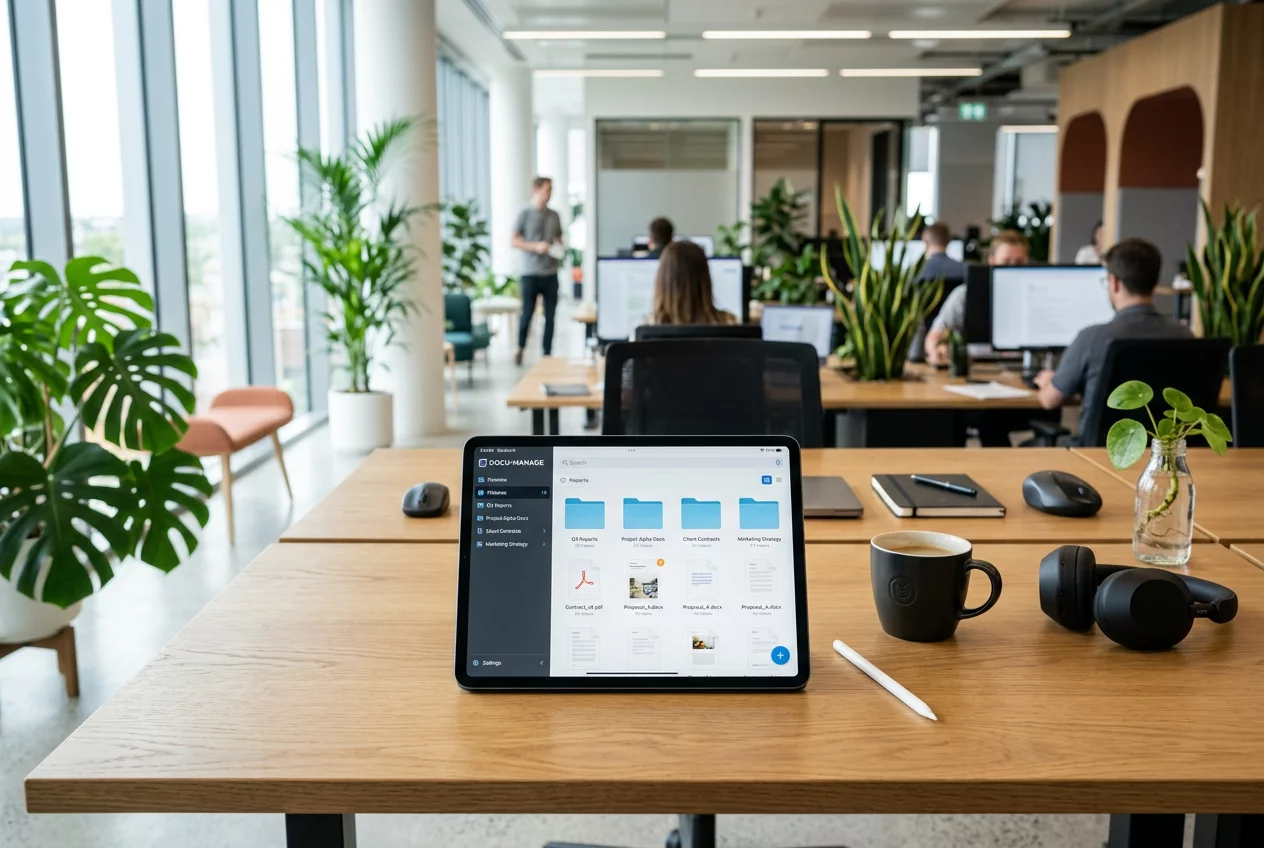
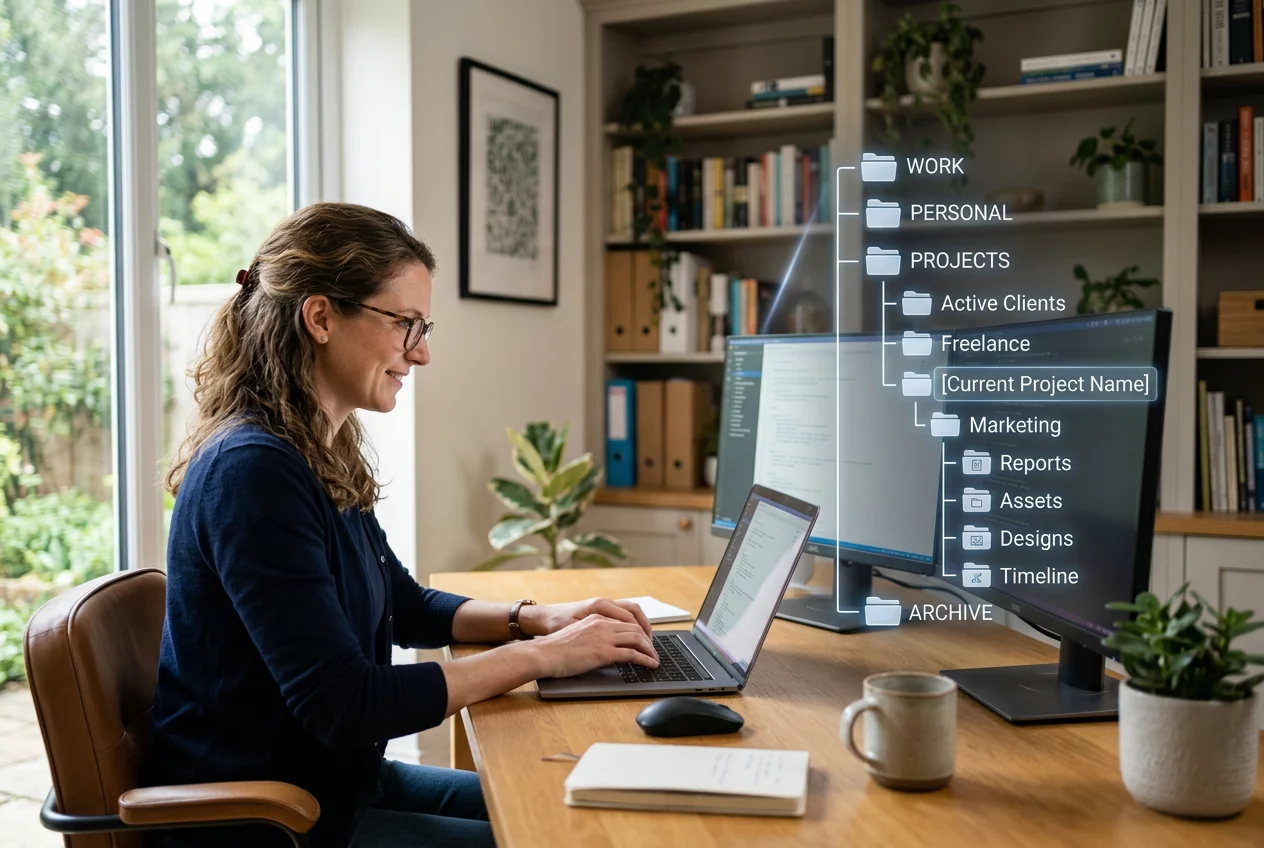
A deep hierarchy of folders often hides information rather than organizing it. Keep the structure flat and logical. Use high-level categories like 'Client Work', 'Internal Admin', and 'Marketing'. Subfolders should be used sparingly and only when necessary. Mirror this structure across all platforms, from local drives to cloud storage. Delete duplicate files regularly to save space and reduce confusion. Archive completed projects in a separate area to keep the active workspace clean. Invest in tools that allow for easy browsing and previewing of content. Otherwise, the team spends more time navigating folders than doing actual work. Regular maintenance of the file system ensures that the digital workspace remains a productive environment for everyone involved.